View and Manage IP Restrictions
The IP Restriction page allows you to control console access based on users’ IP addresses. Additionally, you can add, edit, and manage IP Restrictions.
To view and manage IP Restrictions, follow the steps below:
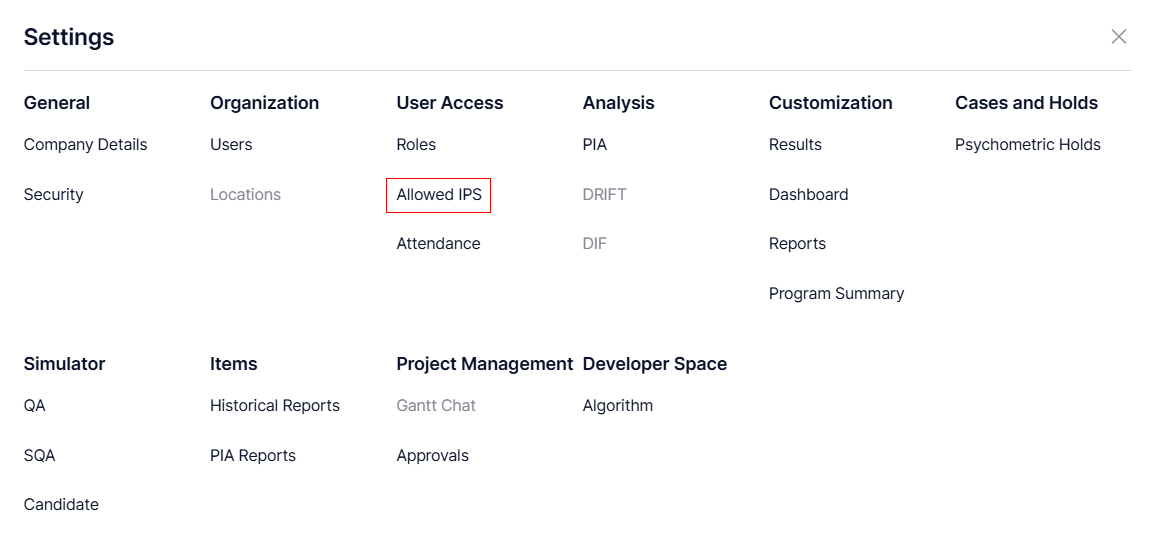
- Navigate to
Settings from the toolbar provided at the top of the screen.
- Click Allowed IPs to navigate to the IP Restriction page.
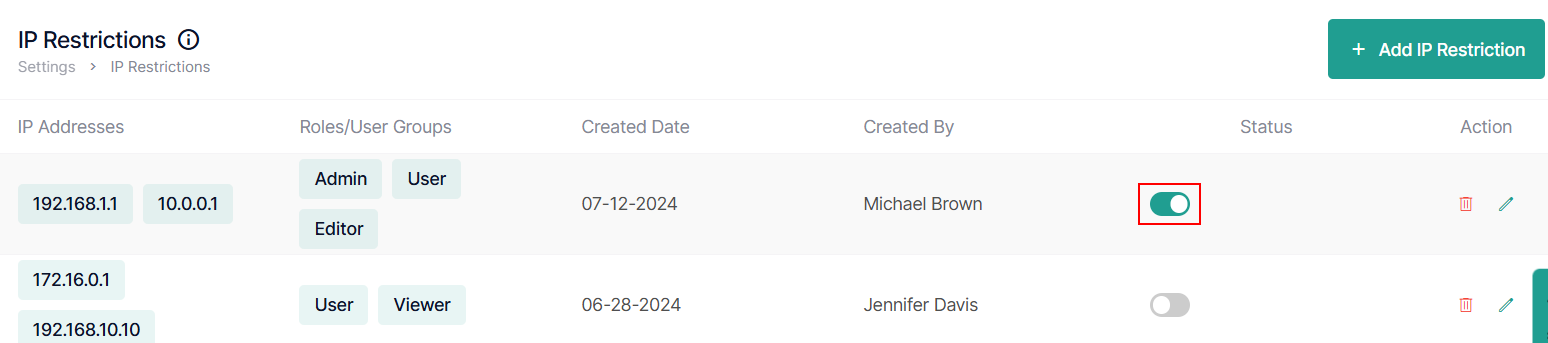
- Under the Status column, click the toggle switch to enable or disable the user’s IP restriction.
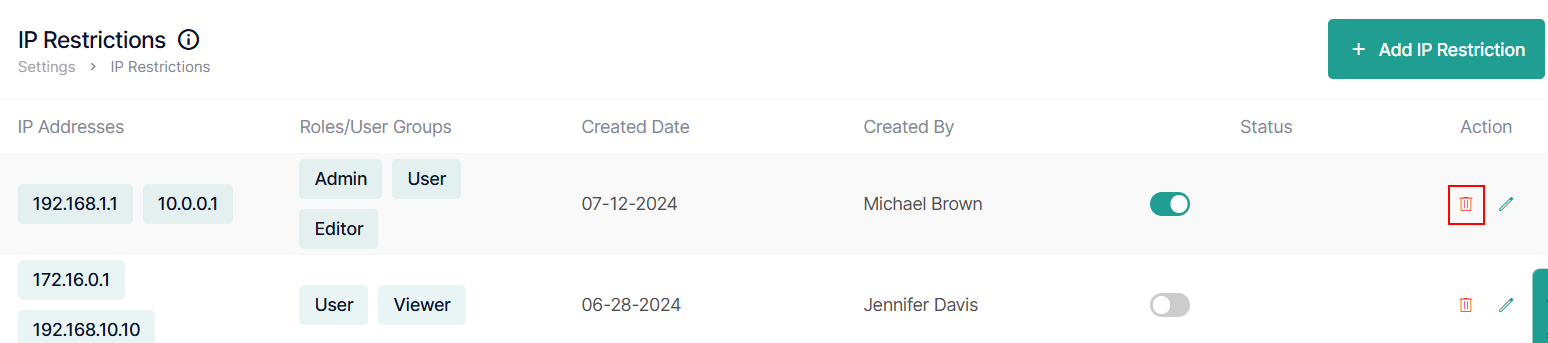
- Click
Delete to delete the IP address.
- To edit or modify the existing IP Restrictions:
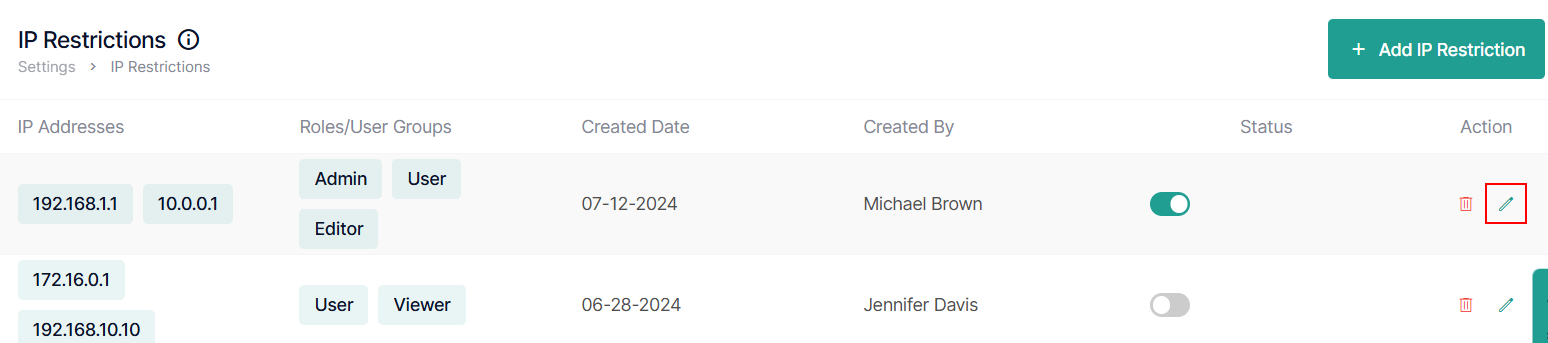
- Click the
Edit icon of an existing IP restriction from the list to modify.
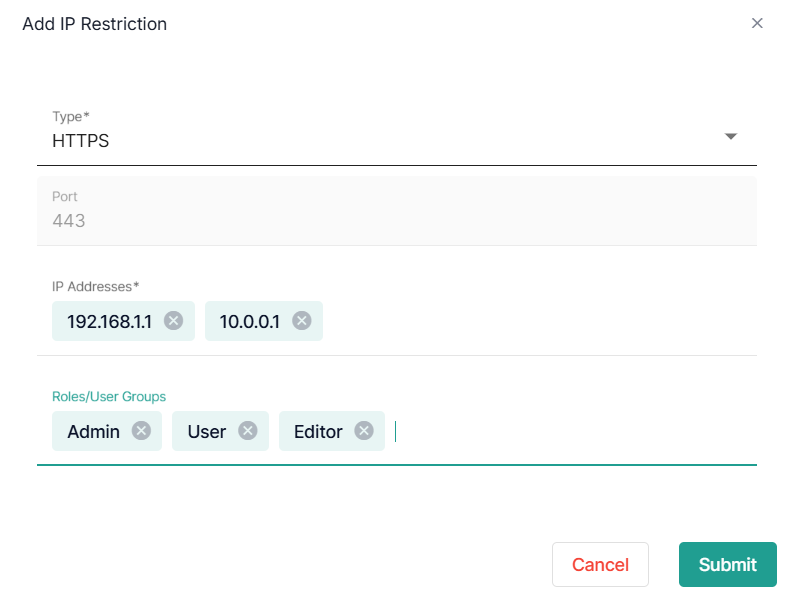
- Add IP Restrictions will appear, you can modify or update the details of IP Type, IP Address, and Roles/User Groups.
Note: Port field will be auto populated
- Click the