Add Dashboard
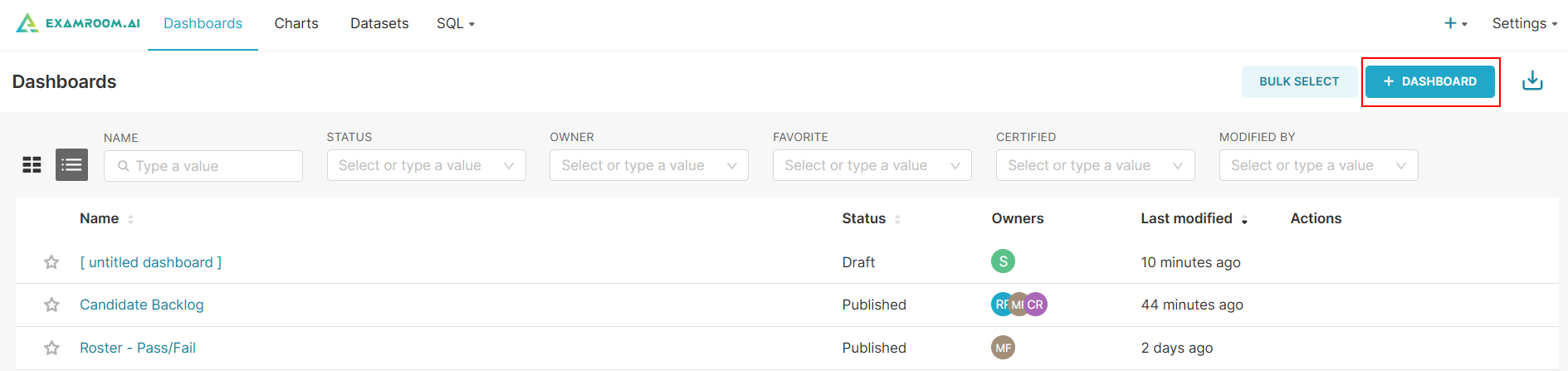
- Click Dashboards from the toolbar and click the +Dashboard to create a new dashboard.
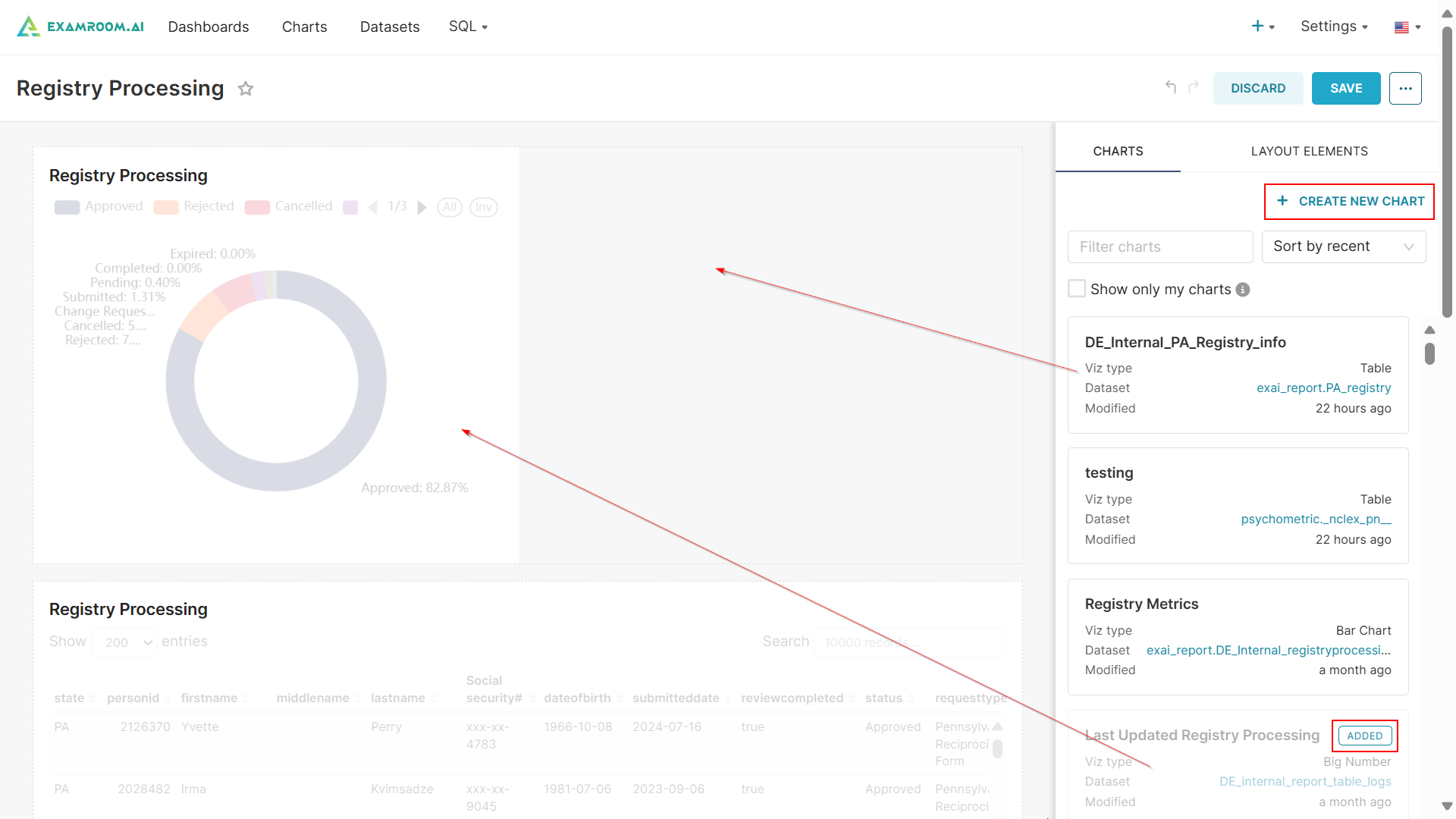
Note: A chart must be created and saved to a dashboard in order for it to appear in the chart list and be available for addition to the dashboard. - Drag and drop details from the charts onto the dashboard.
- Click Create New Chart to generate a new chart. For more information, refer to Add New Chart.
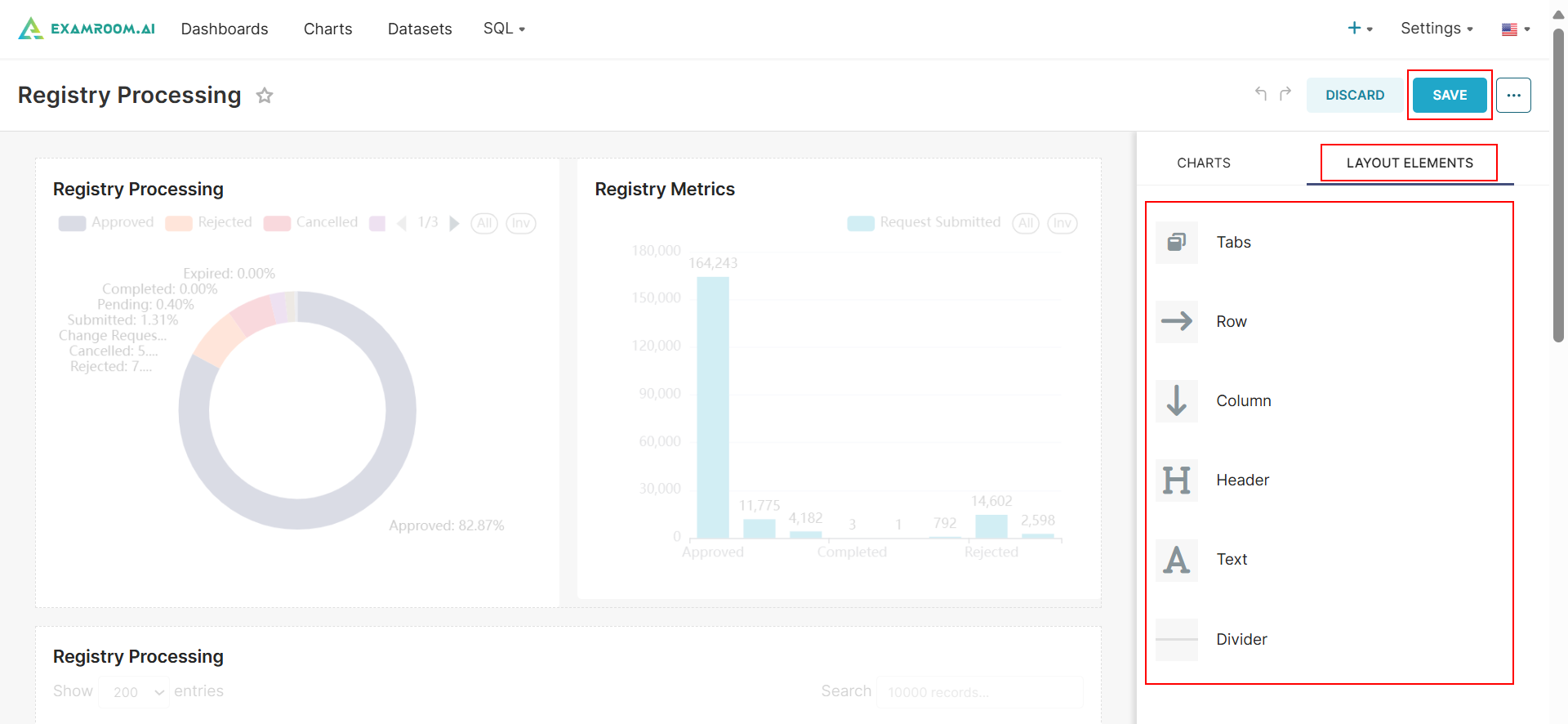
- Click Layout Elements to add a new layout to the dashboard.
- You can customize the layout by clicking on Tabs, Row, Column, Header, Text, and Divider.
- Click Save to save the Dashboard.