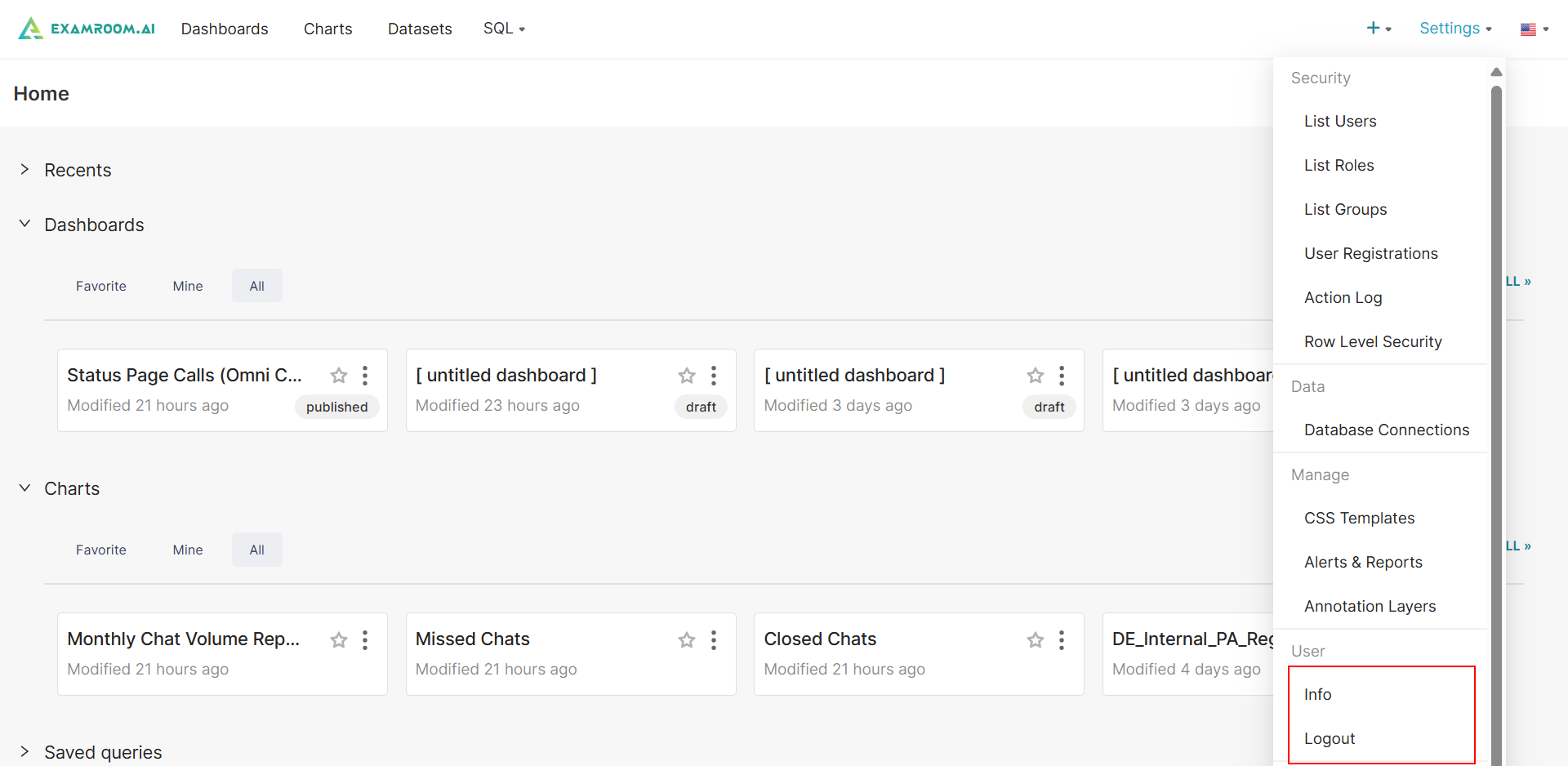
Settings Navigation in the ExamIQ
From the Settings icon in ExamIQ, you can access security options, database connection settings, CSS templates, alerts, reports, annotation layers, and management of your ExamIQ user account.
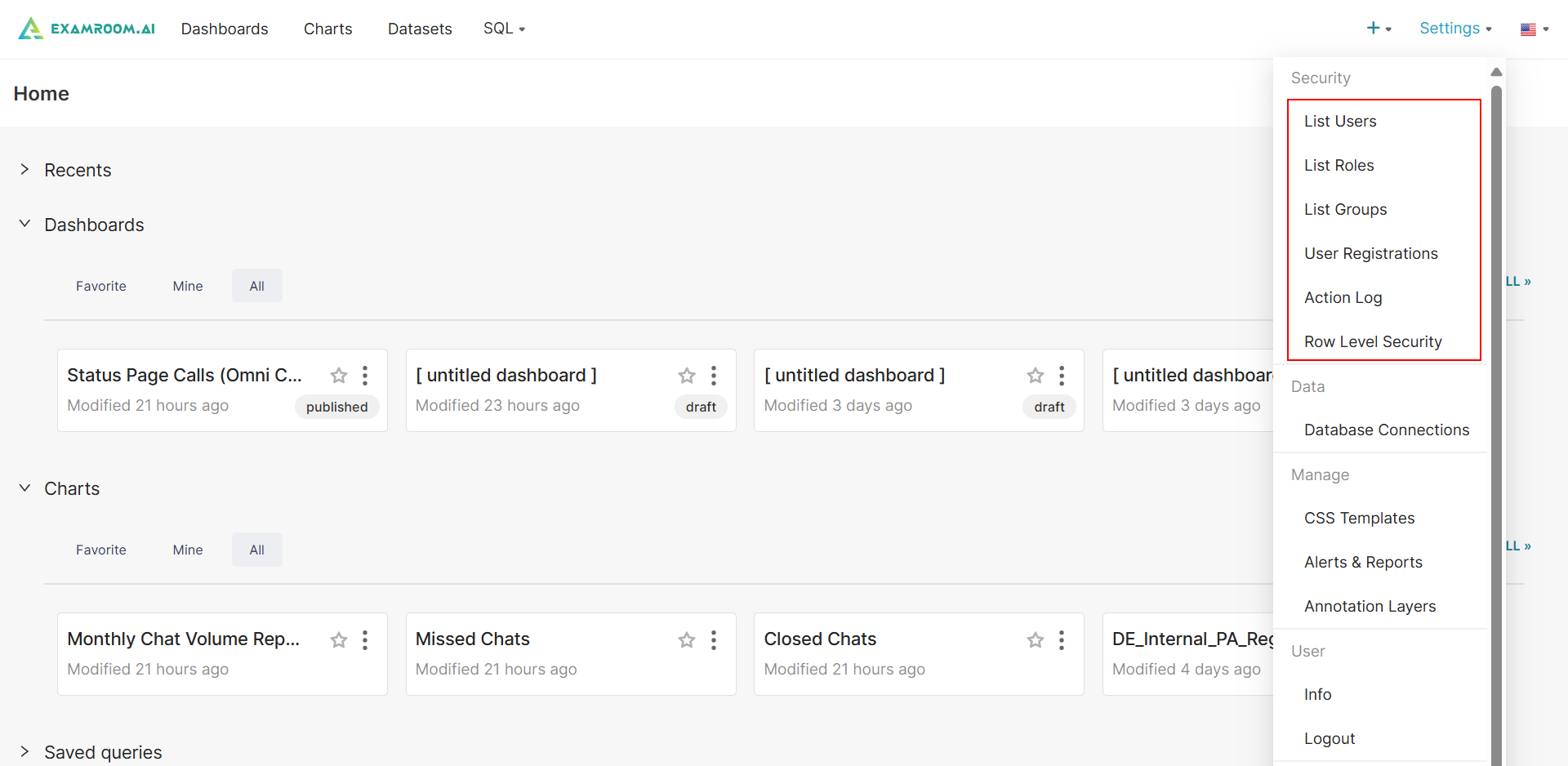
Security Section
- Click the Settings in the upper right corner to easily access the following items in the Security section:
- List Users: View ExamIQ user details, add a new user, and modify user permissions. For more information, refer to Section 8 List User - ExamIQ.
- List Roles: View ExamIQ role details, add a new role, manage, and modify role permissions. For more information, refer to Section 9 List Role - ExamIQ.
- List Groups: Manage user groups to simplify access control and permission settings.
- User Registrations: Approve or review new user registration requests.
- Active Log: View ExamIQ user access log details.
- Row Level Security: View ExamIQ rules, add, and modify rules for role-based security.
Data Section
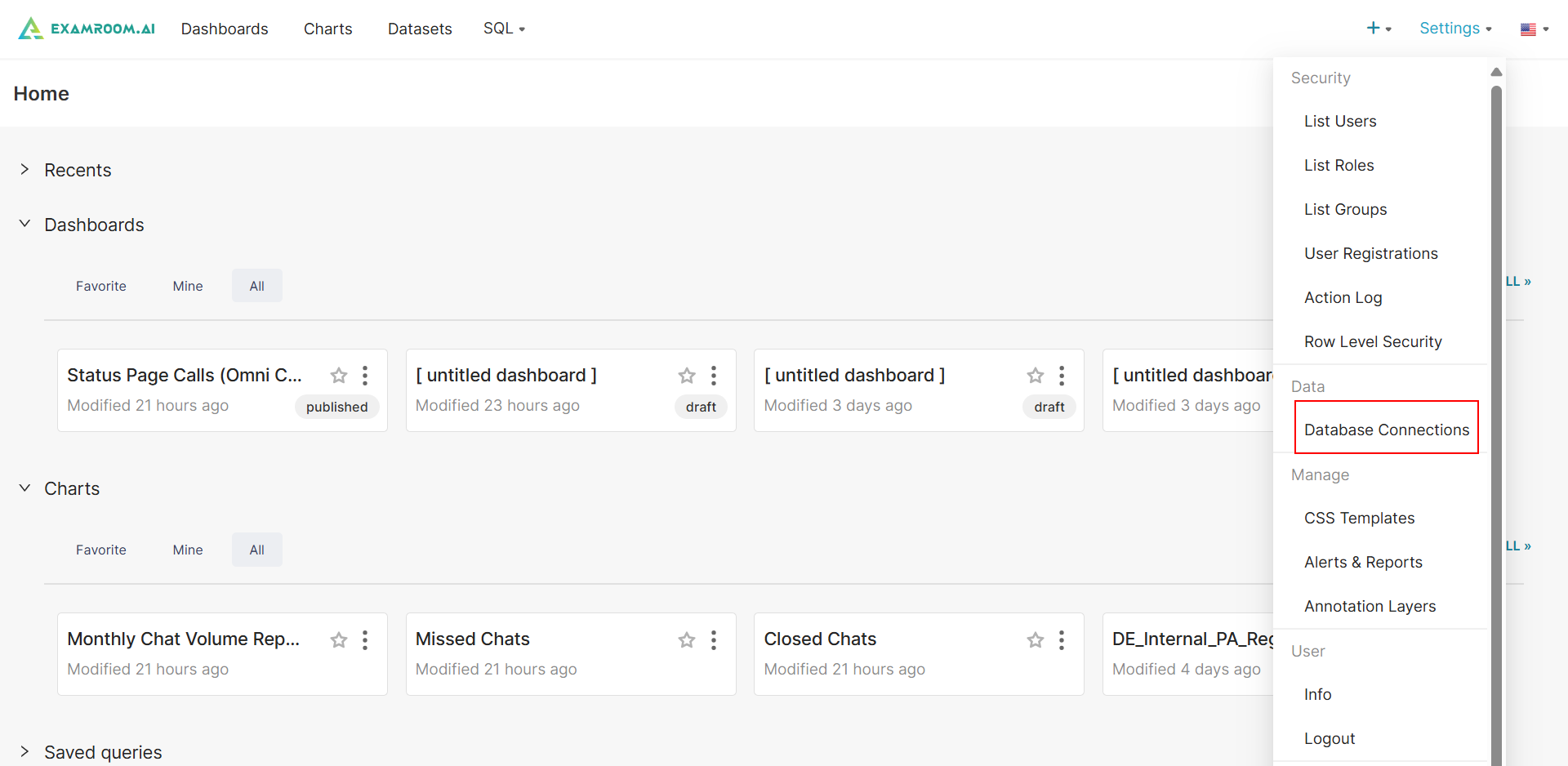
- Click Settings in the upper right corner to easily access the following items in the Data section:
- Database Connections: View ExamIQ connections with pre-configured Database or with a new Database. For more information, refer to Section 2 Database Connections.
- Database Connections: View ExamIQ connections with pre-configured Database or with a new Database. For more information, refer to Section 2 Database Connections.
Manage Section
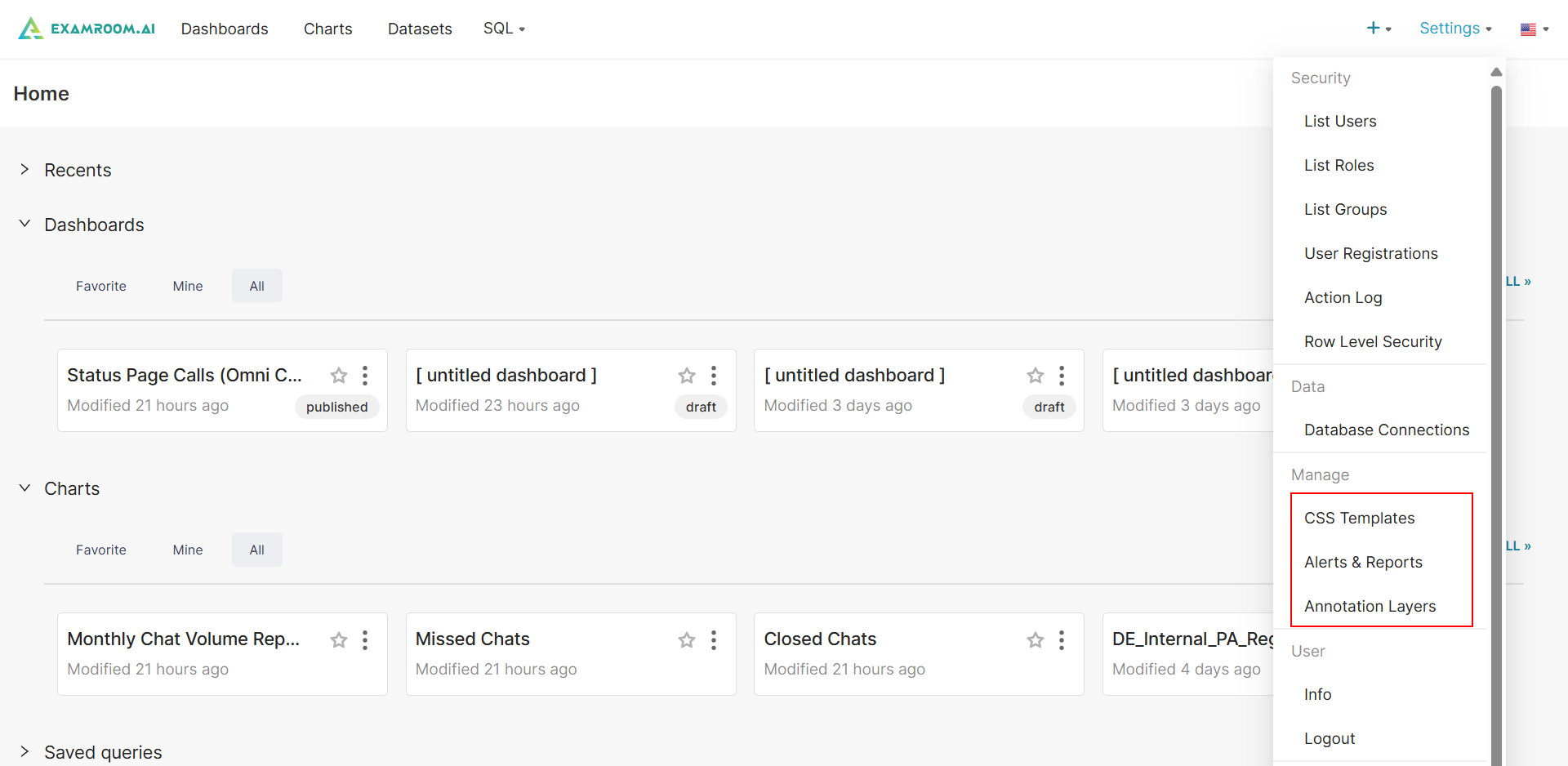
- Click Settings in the upper right corner to easily access the following items in the Manage section:
- CSS Templates: View, manage, and upload your custom CSS templates. For more information, refer to Section 7 CSS Template.
- Alerts and Reports: View, add, and manage alerts and reports. For More Information, refer to Section 11 Alerts and Reports.
- Annotations Layers: View, add, and manage lists of annotation layers. For more information, refer to Section 12 Annotation layers.
User Section
- Click Settings in the upper right corner to easily access the following items in the User section:
- Info: View and manage your ExamIQ account including password rest and editing personal details.
- Logout: Logout of the ExamIQ.