Profile
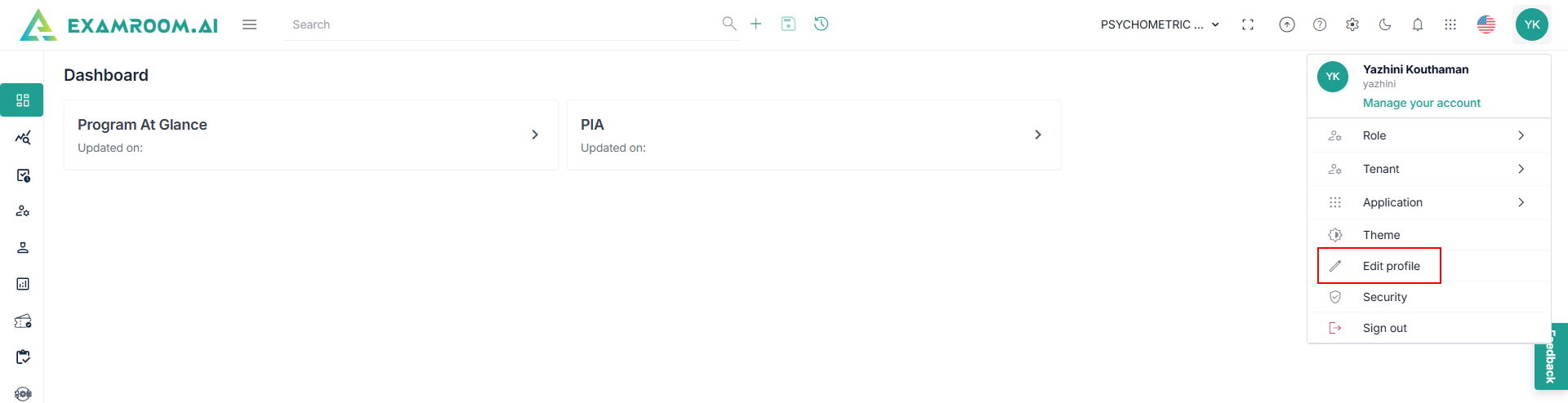
In the Manage Profile section, you can view, add, modify, and manage your account, including access to user manuals, themes, help, security, and view your Roles and Tenant.


Editing Your Profile
To edit your profile, follow the steps below:
- In the Manage Profile, select Edit Profile from the dropdown list.
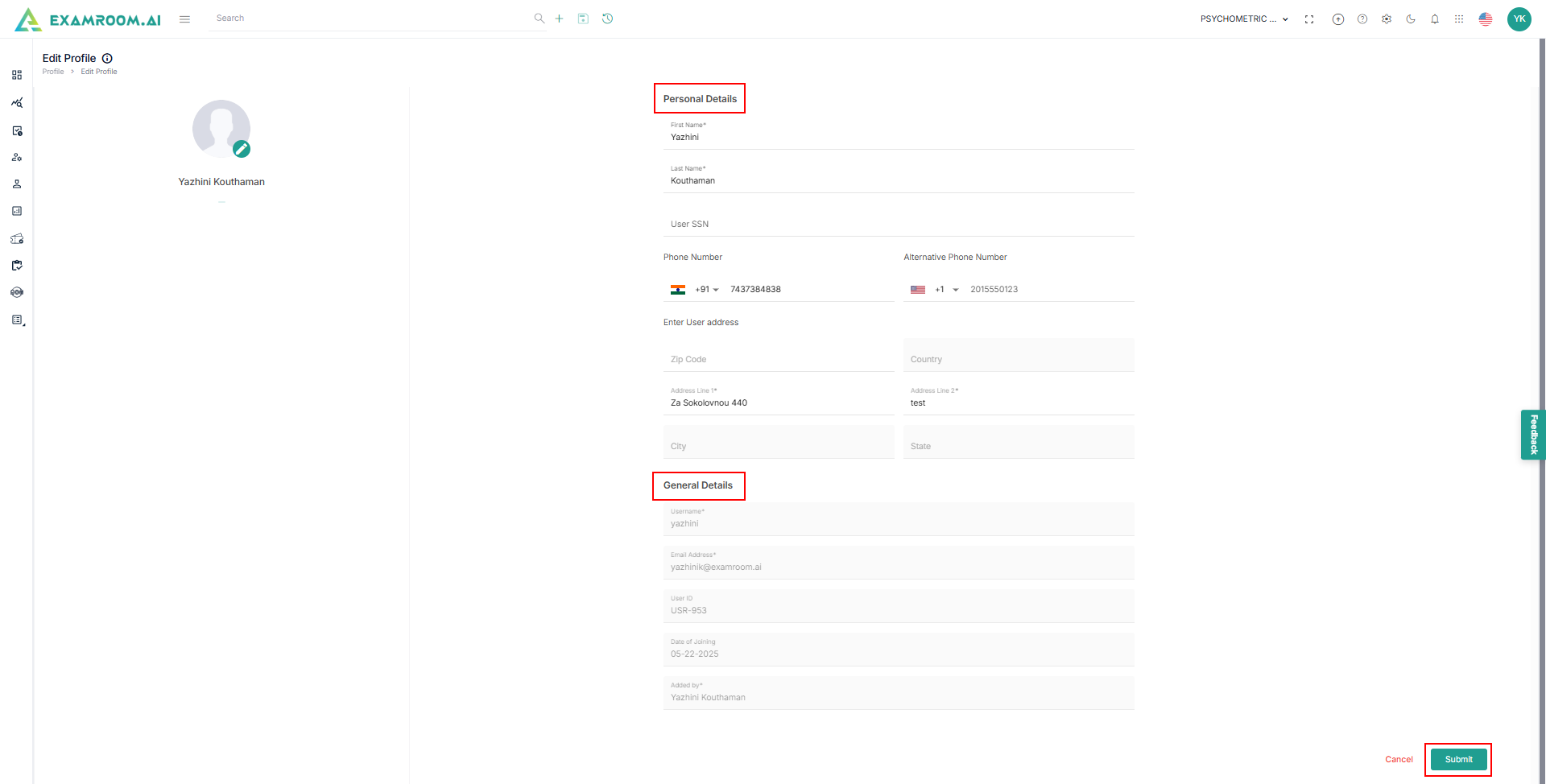
- In the Personal Details section, you can edit the following information:
- First Name
- Last Name
- User SSN
- Phone Number
- Alternate Phone Number
- Country
- Zip Code
- Address Line 1
- Address Line 2
- City
- State
- In the General Details section, you can view the following information:
- Username
- Email Address
- User ID
- Date of Joining
- Added by
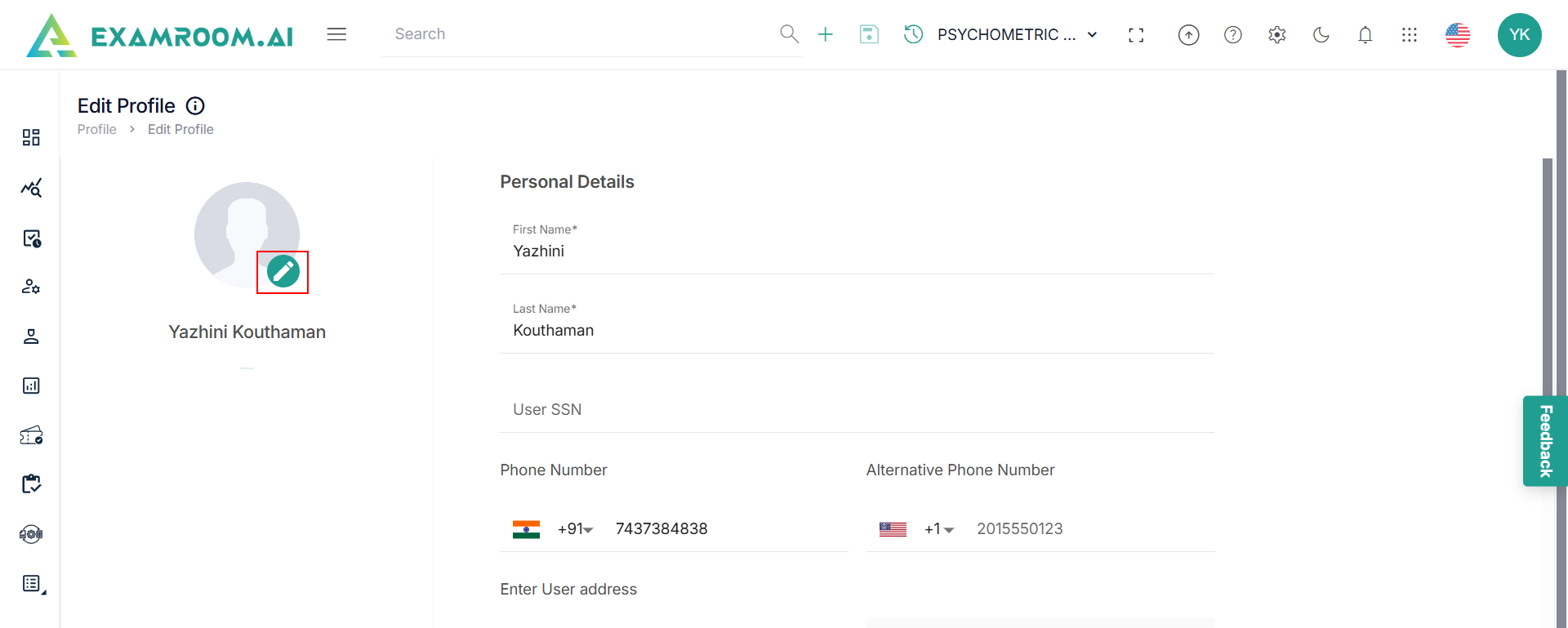
- Click the
Edit icon to change your profile picture.
- Once you have made all your changes, click Submit to save the changes.