Manage Created Dashboard
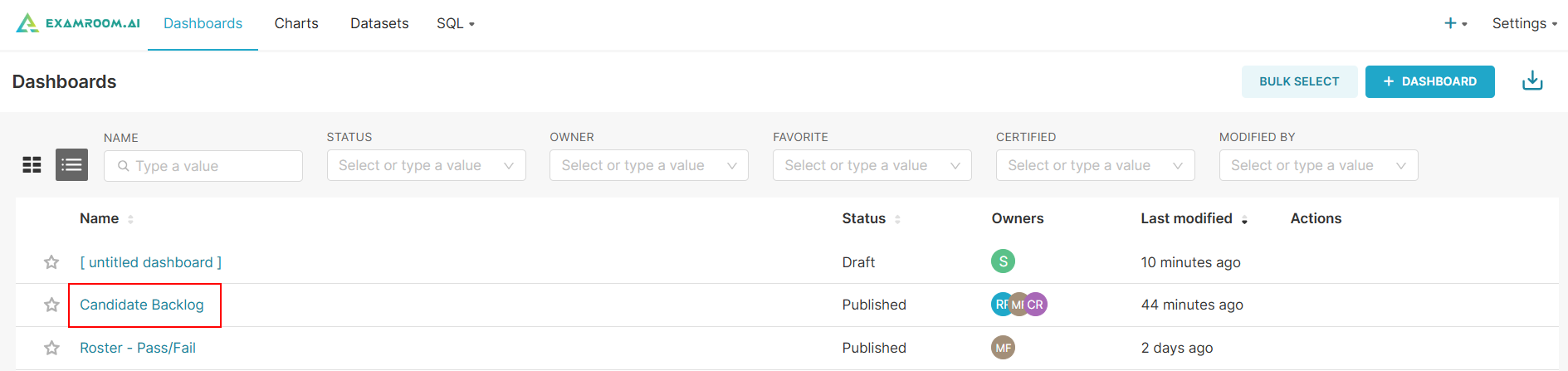
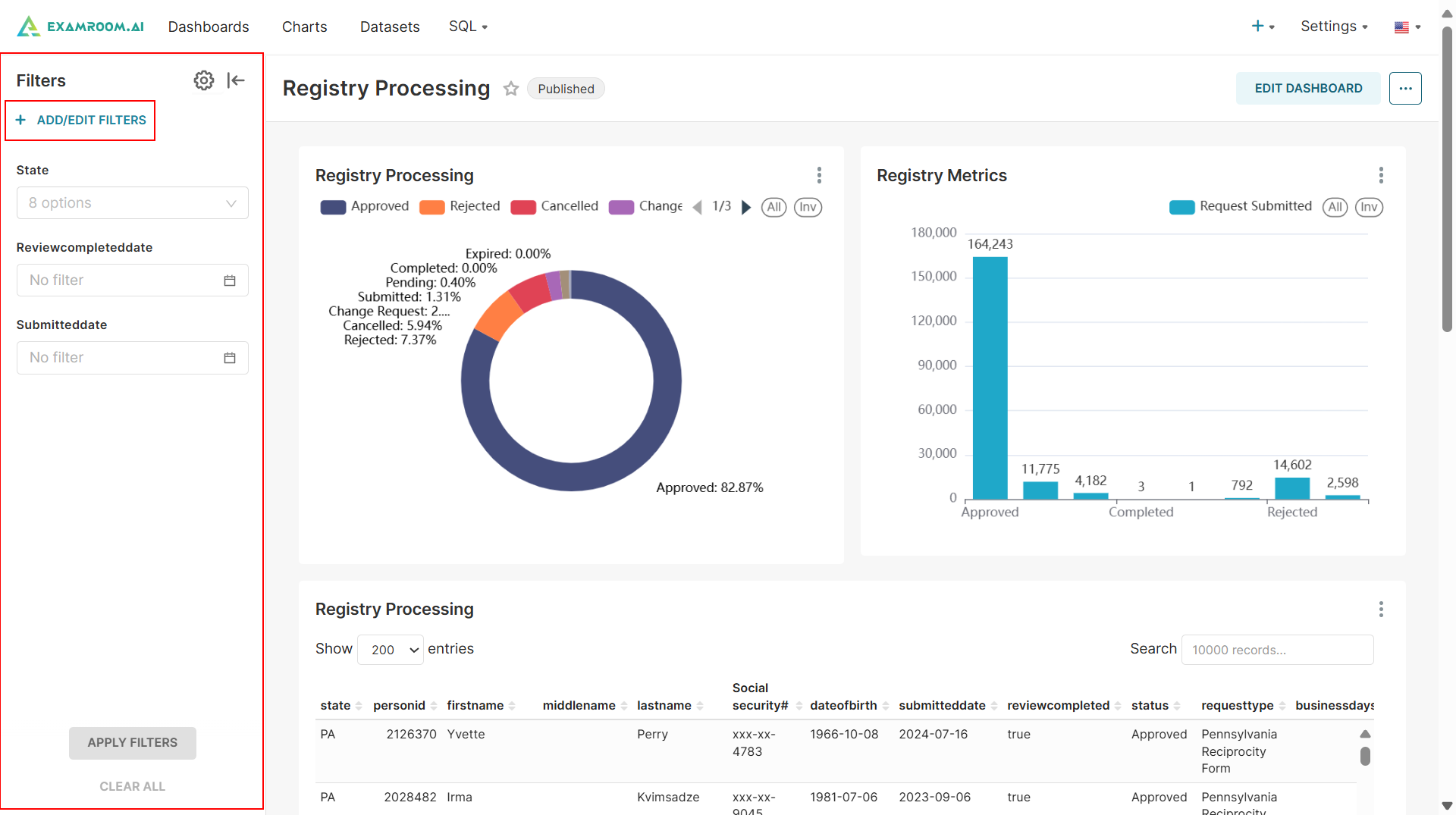
On the dashboards page, you can view all the charts created for respective dashboards.
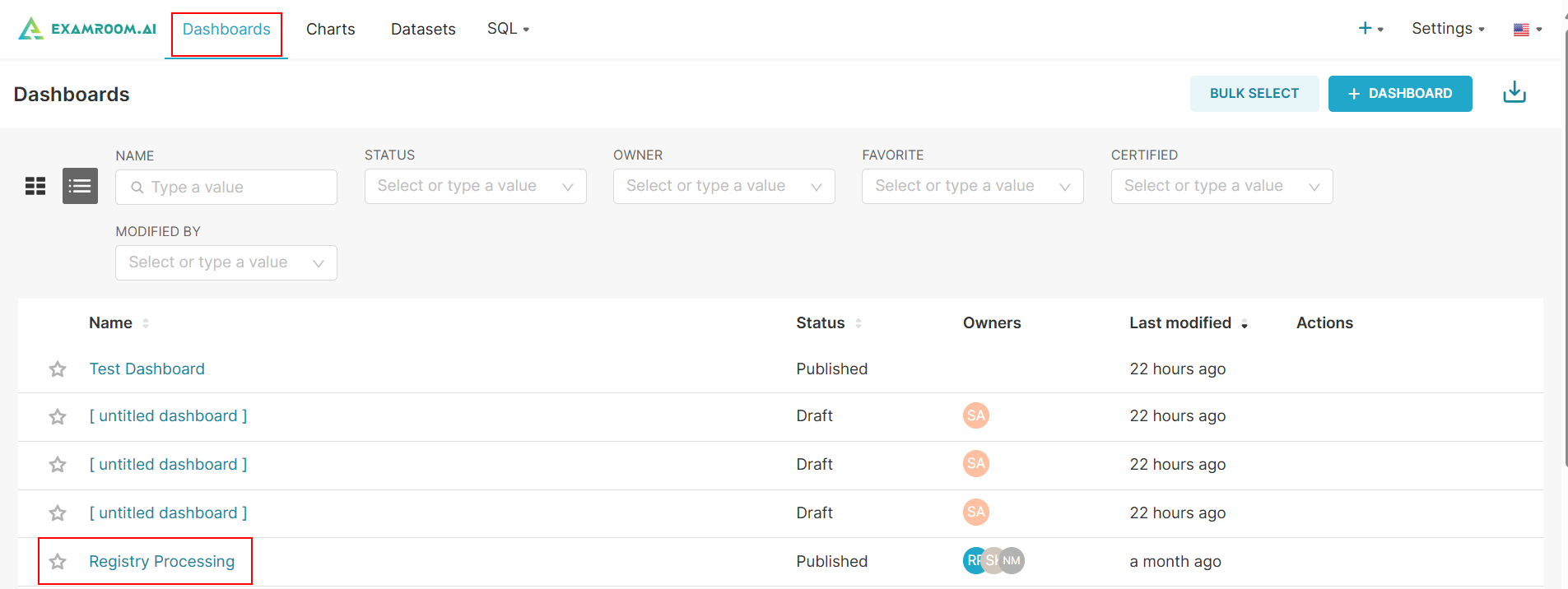
- Click Dashboards from the toolbar and click the Dashboard Name hyperlink to manage the selected dashboard.
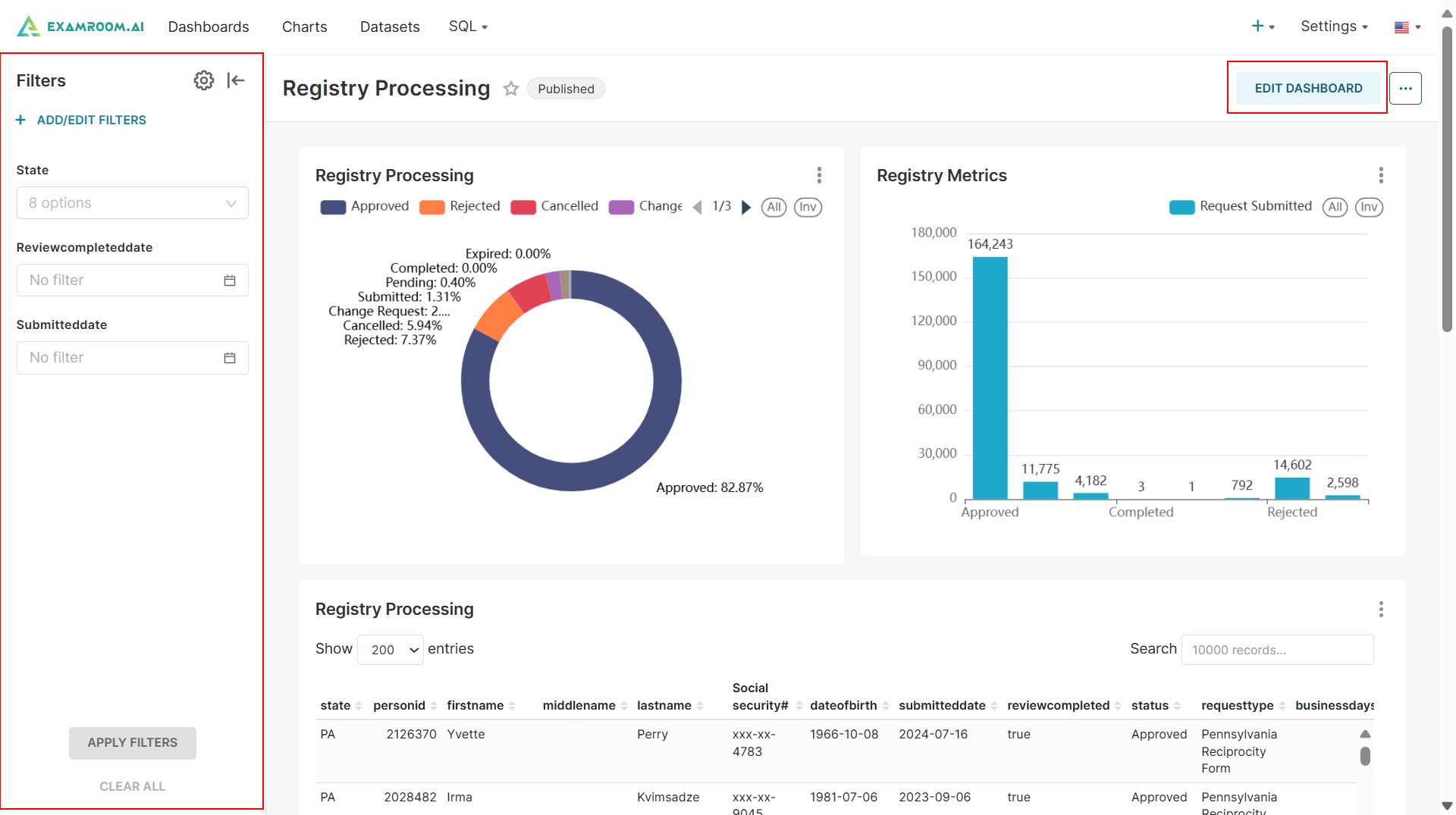
- Click the Filter icon from the side menu to filter the details.
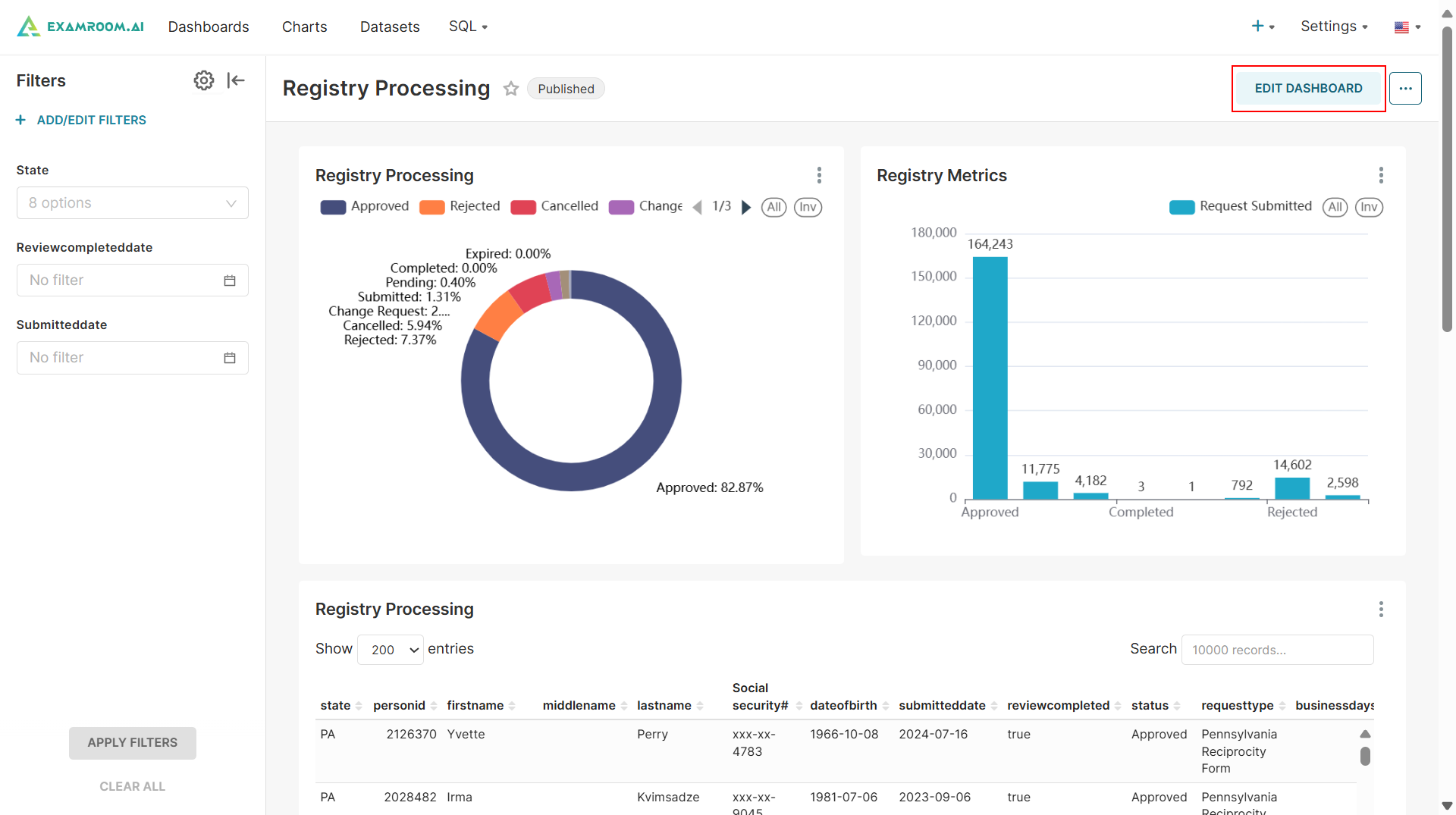
- Click Edit Dashboard to modify the chart details.
Add/Edit Filter
- Click the Add/Edit Filters button to add a new filter or modify an existing one.
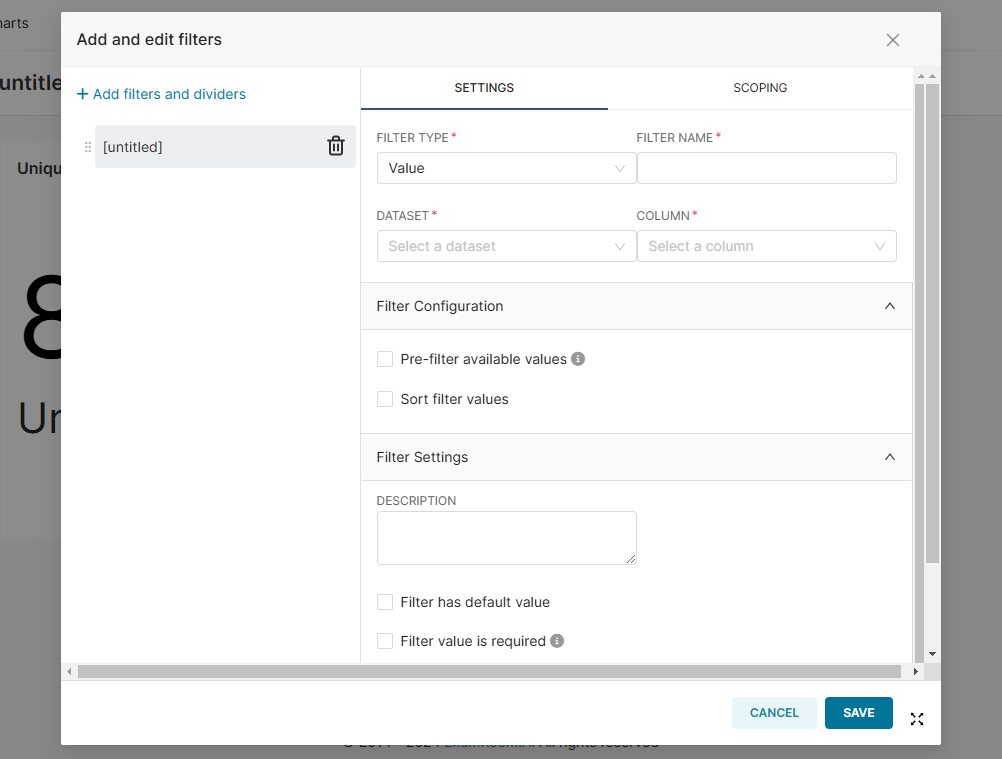
- Select the Filter Type from the dropdown list, enter a Filter Name, and choose the appropriate Dataset and Column from the respective dropdowns.
- Under the Filter Configuration section, choose between Pre-filter available values or Single Value to configure the filter settings.
- If applicable, provide a description in the Filter Settings section for further clarification.
- Click the Save button to apply the selected filters. Otherwise, click Cancel to exit without saving.
Edit Dashboard
- Click Dashboard Name hyperlink to manage the selected dashboard.
- Click the Edit Dashboard button to modify the dashboard chart details.
- For more information on managing a dashboard, refer to Add New Chart.