Forgot Password
If you have forgotten your password, you can reset it anytime from the login page.
To reset your password, follow the steps below:
- From the login page, click Forgot Password.
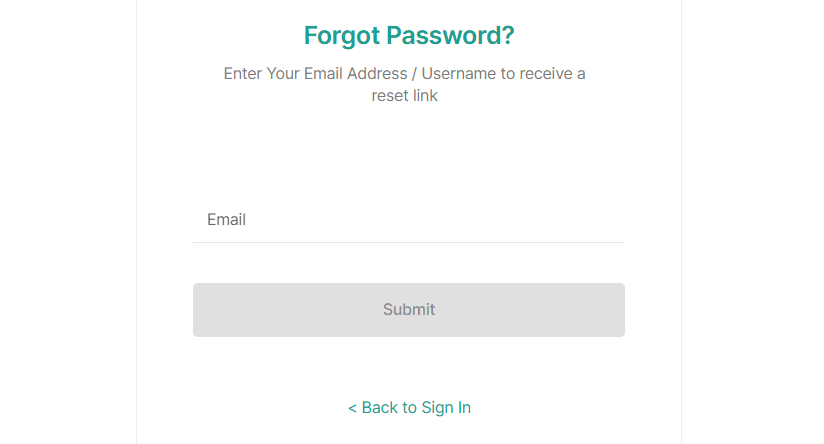
- Enter your registered email address in the Email field.
- Click Submit to receive the password reset link, otherwise, click Back to Sign In to return to the login page.
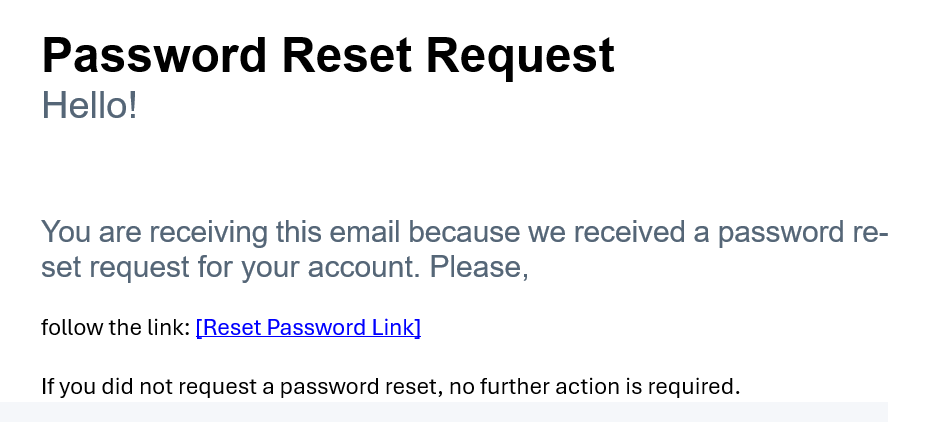
Note : After clicking Submit, the forgot password link will be sent to your registered email address. - Click the Reset Password link provided in the email to reset your password.
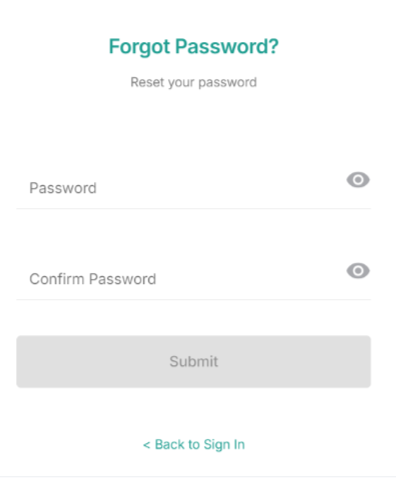
- Enter the new Password and Confirm Password.
- Click Submit to reset your password and log in using your new password. Otherwise, click Back to Sign In to exit without changing your password.